

The Business Side OfYour UGC Hustle, Handled.
Track deals, price usage rights, check contracts and get paid. Built for career creators.

Free forever. No card needed.
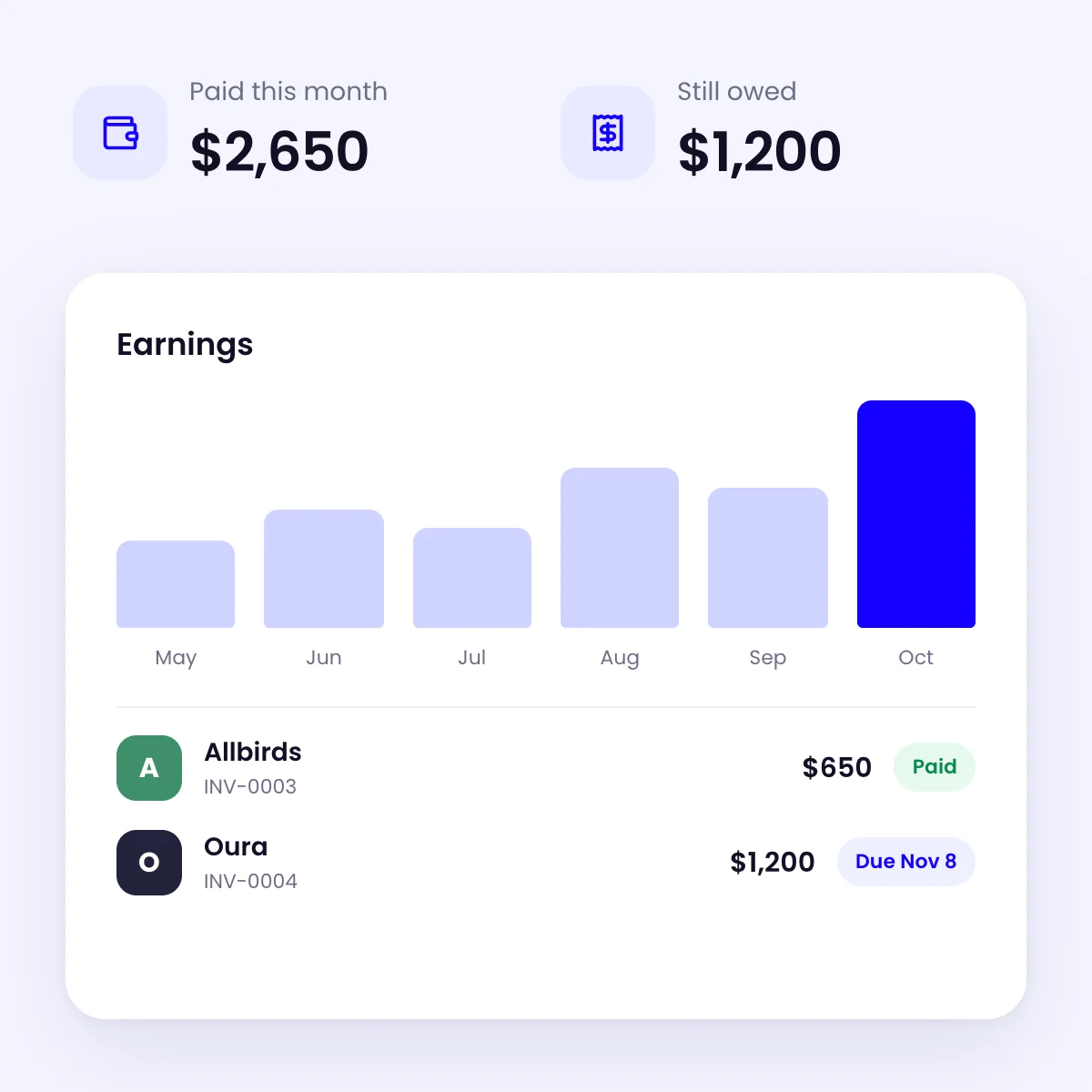
- Late payments?We track and chase until the money lands.
- Unsure Rates?See the going rate for your usage rights.
- Suspicious contract?AI flags the red flags before you sign.


Every deal in one place, wherever it started
Deals you pitch for
Briefs that come to you
Platforms and agencies
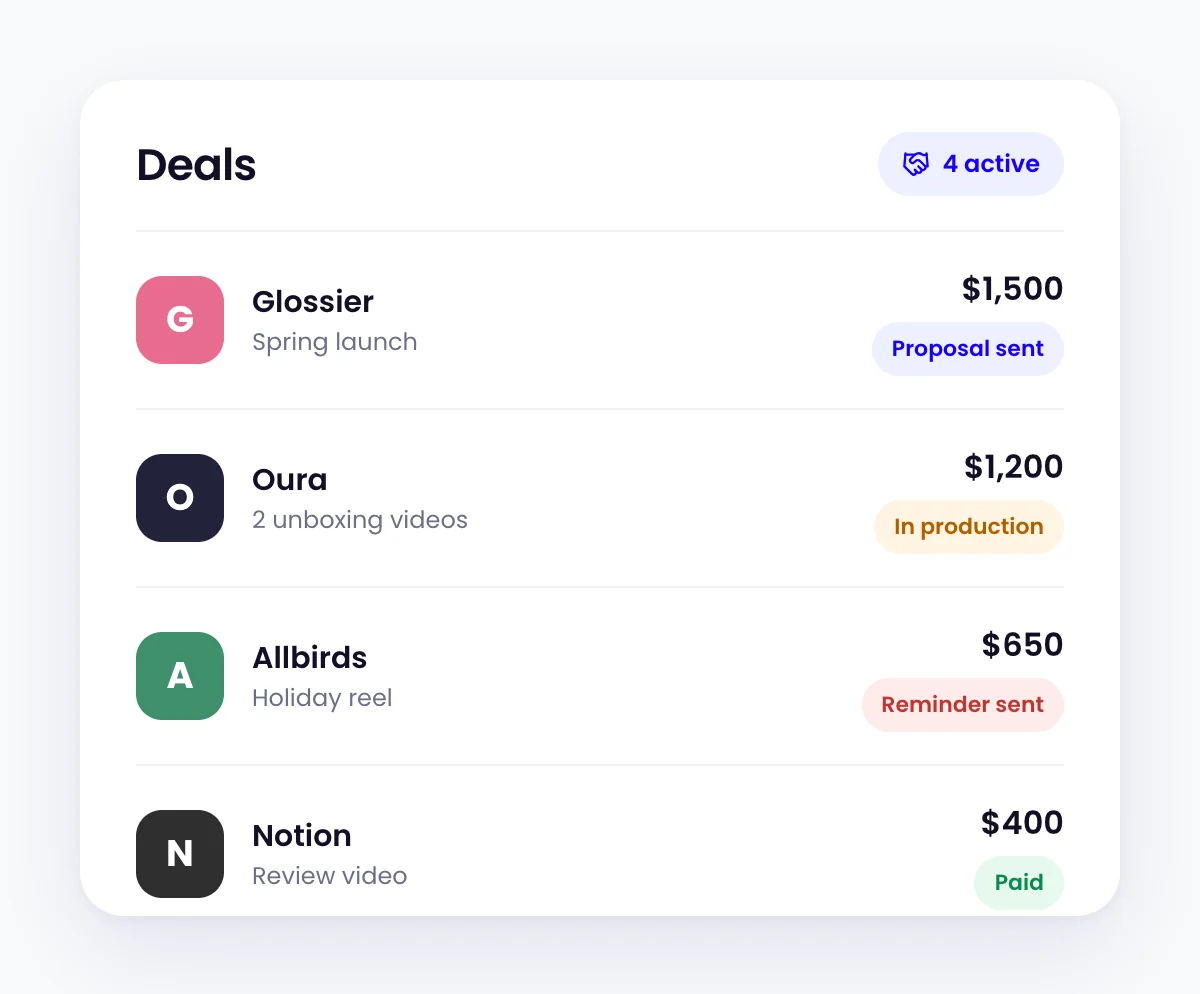
Run every deal from brief to paid
- 1
Create the deal
Paste the brief, or upload the contract.
- 2
Share the brand page
The brand reviews your drafts and approves them.
- 3
Get paid
Create and send your invoice. Kitpager reminds the brand automatically until you are paid.
Let Kitpager do the paperwork
Reads the brief
Lumen wants one UGC video for $1,800, due December 12.


Start free, upgrade later


Common questions
Who is Kitpager for?
UGC creators who work with brands. Kitpager runs the business side of your deals.
How does Kitpager help me get paid?
You send the invoice. The brand can pay it online or say it is paid. You confirm when the money lands. Kitpager reminds the brand until then.
Do brands need an account?
No. Each deal has a private page. The brand opens it from a link or confirms an email code. You choose which.
How do brands review my work?
They watch your draft on the private page. They leave notes, ask for changes or approve it.
Can brands copy my videos before they pay?
Previews are watermarked and the watermark moves across the picture. The clean file unlocks only after you confirm payment and release it.
A brand sent me a contract. Can Kitpager read it?
Yes. Upload the file. Kitpager fills in the fee, dates and usage rights, and flags risky terms. AI can make mistakes, so always check.
How long does setup take?
A few minutes. Pick your link, add your name and country. Then add your first deal.
What does Free include?
3 deals, 2 contract reviews and 3 pitches a month. Invoices and the brand page. No card needed.
Does it work on my phone?
Yes. Kitpager works on phones, tablets and laptops.